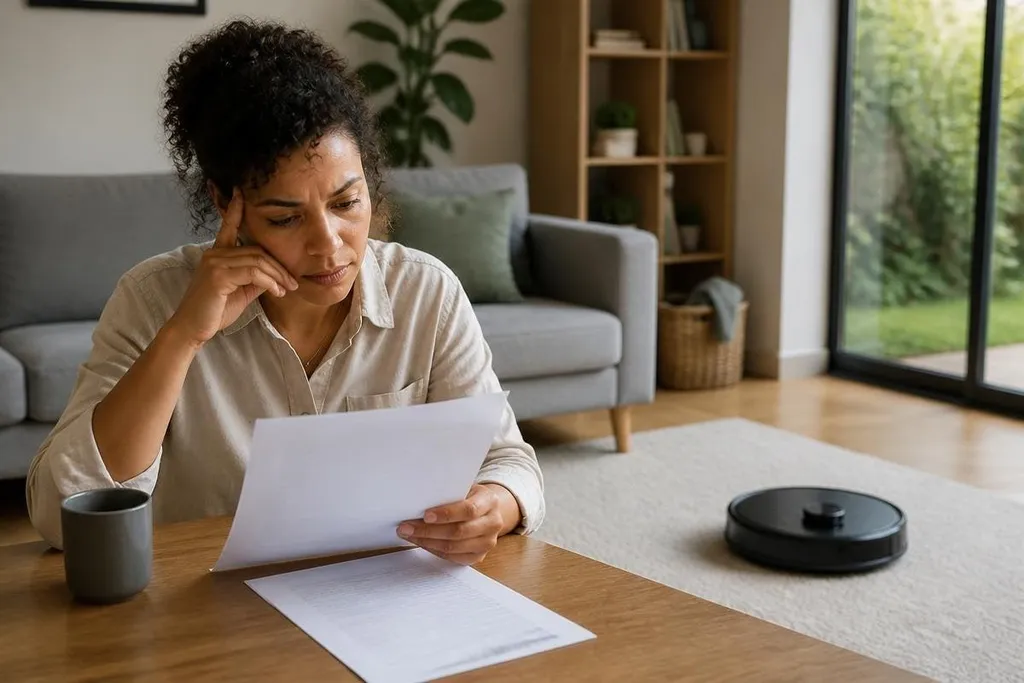
Home robots can collect room images, voice commands, floor maps, and account details. The person who buys the robot may own the hardware, but that doesn't settle who can store, use, or delete the data.
- Check the data list: Find out what the robot records and which sensors collect it.
- Read the account terms: Storage and use may depend on the app agreement, not the hardware receipt.
- Plan for removal: Know how to delete stored files before you connect the robot to your home network.
What “owning the data” can mean
People use “ownership” to cover several different rights. You may want to see the files, remove them, copy them, stop the company from using them, or keep the company from passing them to another party. A contract may handle each right in a different way.
That distinction matters because a robot can send information to a company without giving that company ownership in the everyday sense. The company may still get permission to store the information, process it, or use it to run a service.
The robot's app usually holds the practical answer. Look for sections called privacy, data use, retention, account deletion, and third-party services. If the wording says the company can use data to improve products, check whether that includes images, audio, maps, or only technical logs.
The data comes in different forms
A room map can show the layout of your home. A camera image may show people, documents, or screens. Voice recordings can include visitors who never agreed to the robot's terms.
The robot may also collect less visible information. An app can link cleaning times, device settings, error reports, and account details to one household.
Each item may look minor on its own, but together they can describe when a home is occupied and how it is used. That makes the sensor list worth checking before purchase. A robot with a camera raises a different privacy question from one that uses only contact sensors and a local control system. Storage also matters: local storage keeps files inside the home, while cloud storage sends them to a company's servers.
Who can access the files
Start with the company that makes the robot and the company that runs its app. Then check outside services named in the policy. Speech recognition, cloud storage, mapping, support tools, and account sign-in can involve separate providers.
The policy should say why those parties receive data and how long they keep it. If it does not name a clear retention period, ask the company before connecting the robot. “Delete your account” may not mean that every backup, support copy, or shared file disappears at the same time.
A privacy policy can name the robot maker while leaving its app provider and cloud host unclear. That gap matters because each company may keep a different copy of the same sensor data. Dated Robot24.com's home robot reporting can help you identify those companies before the next section compares how the rules change by place.
The rules change by place
Data rights depend on where you live, where the company operates, and what the data contains. A rule that gives you access or deletion rights in one country may not apply in another. The product's terms can also change after a software update, so save a copy of the policy you accepted.
Workplaces need another layer of care. A home robot used in a staff residence, short-term rental, or care setting may record people who are not the account holder. The person who bought the robot may not have the right to make decisions for everyone captured by its sensors.
I'd treat any cloud-connected home robot as a small surveillance system until its storage and deletion rules are clear. That doesn't mean every product misuses data. It means the buyer should check the path from sensor to server before putting the robot in a private room.
A practical check before purchase
Use this list when comparing a robot or reviewing one already in your home:
- List the sensors: Write down every camera, microphone, proximity sensor, and mapping system.
- Check storage: Find out what stays on the robot, what reaches the cloud, and where settings control that choice.
- Read deletion terms: Confirm how to remove recordings, maps, logs, and the account itself.
- Review other access: Look for support teams, software suppliers, and services that may receive the files.
- Limit the room: Keep cameras and microphones away from spaces that don't need them.
- Save the policy: Store the version that applied when you bought or connected the robot.
Data from a home robot belongs to a set of rights, permissions, and technical choices rather than a single label. Before buying, ask one practical question: can you see where each sensor's data goes, who can use it, and how you get it back or remove it?